


NyxBets App
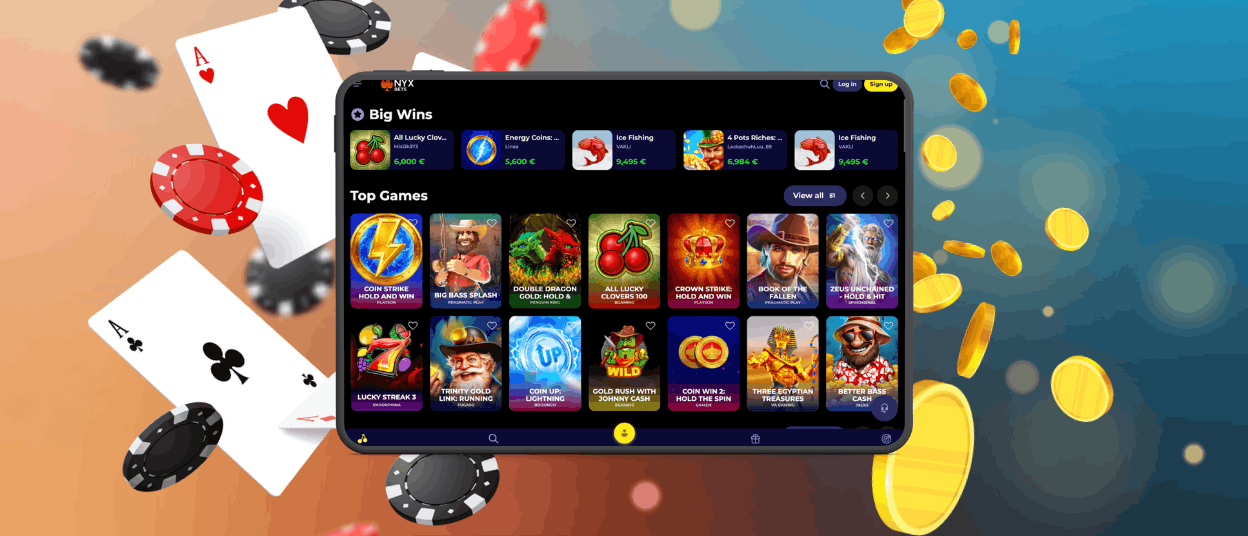
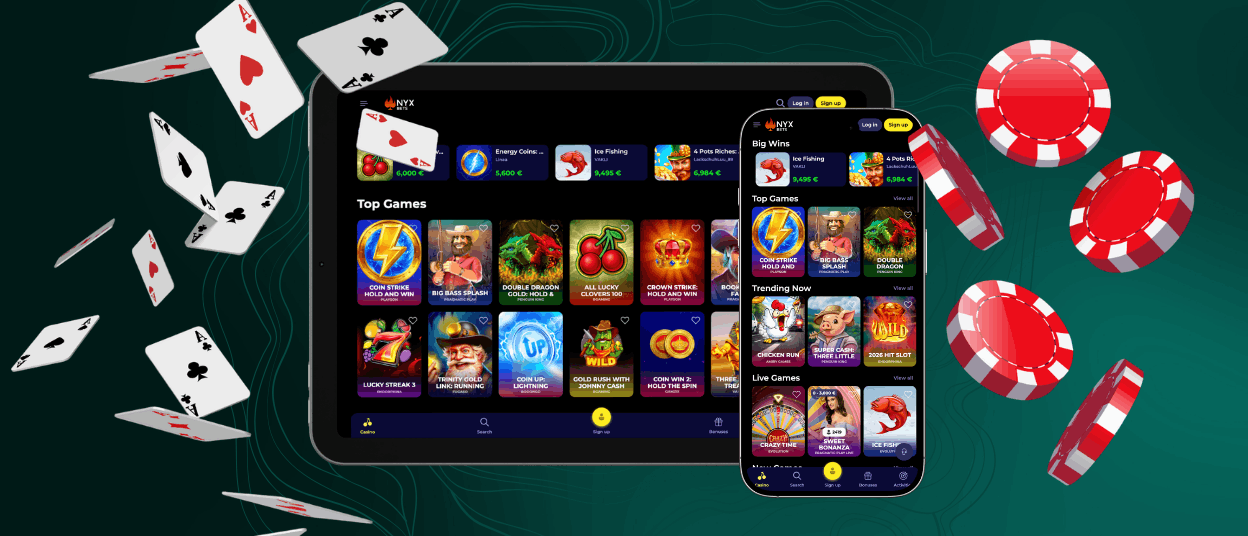
The NyxBets app delivers the casino’s full game library and account tools through a lightweight mobile format. Built as a Progressive Web App, it loads directly in a browser and skips traditional app-store downloads. Every feature available on the desktop site carries over, including live tables and the bonus tracker.



NyxBets Mobile Casino
Playing on a phone works differently than sitting at a desktop, and the mobile format adjusts several elements to fit smaller screens. Menus condense into a single column and buttons enlarge for easier taps. Page assets are lighter too, which cuts load times between spins. Desktop still holds an edge during long live-dealer sessions, where a bigger screen shows more table detail at once.
A few things stand out once the app is running:
- Instant loading from a home-screen icon, no app-store visit required
- Automatic updates every time the browser refreshes the page
- Push notifications for tournaments, missions and account alerts
- Encrypted sessions using the same TLS protocols as the desktop site
Mobile Application for Android
Android users can add the Nyx Bets app to their home screen directly from the mobile browser, without a Play Store visit.
- Open the NyxBets website in Chrome or another Android browser.
- Tap the menu icon (three dots) in the address bar.
- Select “Add to Home screen” and confirm.
- Launch the icon once it appears on the home screen.
NyxBets APK
This installation method runs on Progressive Web App technology. The PWA format pulls the latest version straight from the browser cache, so updates apply automatically and the icon takes up only a few megabytes of storage. Nyx Bets recommends installing only through the official website, since APK files found elsewhere can carry security risks for your device.
Mobile Application for iOS
iPhone and iPad owners follow a similar route, though Safari is the required browser for this step. Open the NyxBets site in Safari, tap the Share icon, then choose “Add to Home Screen” and confirm the name. The icon then behaves like any other app, launching straight into the mobile casino without opening a browser tab first.
NyxBets Casino Application for Windows/macOS
Desktop users get a comparable shortcut. On Windows, most browsers show an install icon directly in the address bar, and a single click adds the NyxBets app to the taskbar. Mac users relying on Safari can select “File” and then “Add to Dock” to place the icon alongside other applications. The underlying experience mirrors the browser version exactly, since both draw from the same PWA build.

Device Compatibility
| OS | Minimum Requirements | Supported Browsers |
| Android | Android 8.0 or higher, 2 GB RAM | Chrome, Samsung Internet, Firefox |
| iOS | iOS 14 or higher, 2 GB RAM | Safari |
| Windows | Windows 10 or higher, 4 GB RAM | Chrome, Edge, Firefox |
| macOS | macOS 11 or higher, 4 GB RAM | Safari, Chrome |
FAQ
Does the NyxBets app need a stable connection to run smoothly?
A steady mobile connection keeps loading times short and prevents interruptions during live sessions. Wi-Fi works best, though 4G or 5G connections handle gameplay without issues in most areas.
Can players use the same account across the app and the desktop site?
The same Nyx Bets account works on both formats, since balances, bonuses and session history sync automatically between devices. Logging in on either platform picks up exactly where the previous session left off.
Does the mobile format include the same game catalog as the desktop version?
NyxBets keeps the mobile and desktop catalogs identical, covering slots, table games and live dealer titles. Any new release added to the site appears in the app at the same time.
What should happen if the app fails to load properly?
Clearing the browser cache or updating the browser typically fixes loading issues immediately. The Nyx Bets Support Team is available through live chat if the problem persists.


